Quick buyer overview
This long-form guide is now organized for faster scanning. Jump to the section you need, search other Shopye articles, or continue reading the full wholesale breakdown.
- Compare MOQ, pricing, and supplier reliability before ordering.
- Use the section index to jump straight to price, supplier, or FAQ details.
- Search more wholesale guides without leaving the article page.
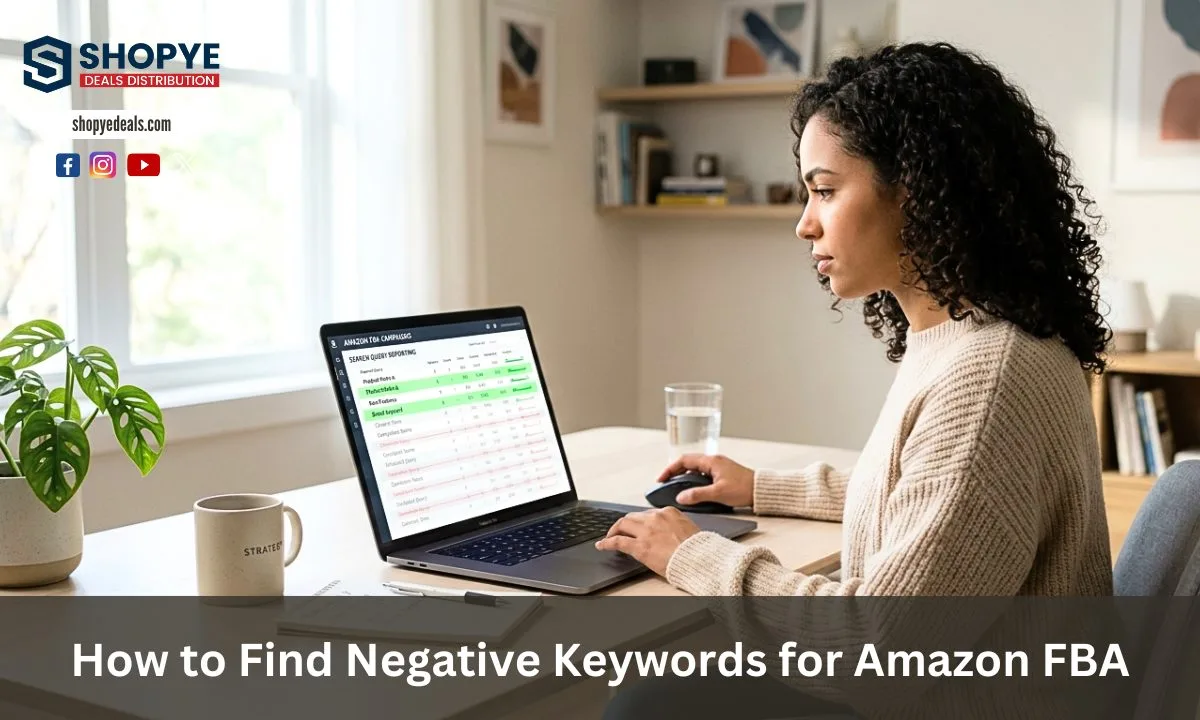
You run Amazon ads to get sales, but many times your budget goes to clicks that do not convert. This is where negative keywords come in. In simple words, negative keywords are terms that you block so your ads do not show for the wrong searches.
If you want to learn how to find negative keywords for Amazon FBA, you need to understand one main problem first. Most sellers lose money because their ads appear for low-intent or irrelevant searches. These clicks increase your spend but do not bring orders. This leads to high ACoS and low profit. Especially when you also pay FBA fees like storage, packing, and shipping.
Many sellers focus only on finding new keywords, but they ignore removing bad ones. This is why their campaigns never become profitable.
In this guide, you will learn a step-by-step method using real data from your account. You will understand how to use the search term report and apply click thresholds. You can also learn how to control your campaigns with the right match types. This will help you reduce wasted spend and improve your results in a practical way.
What Are Negative Keywords in Amazon FBA PPC
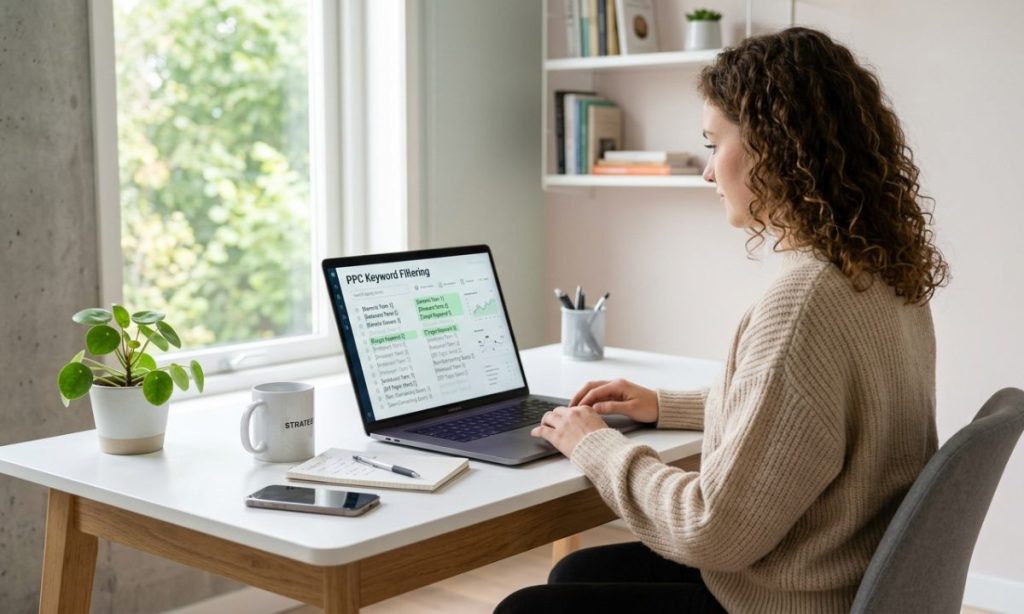
Negative keywords are specific search terms that you tell Amazon not to show your ads for. This means your ad will not appear when a shopper types those terms.
There is a clear difference between positive keywords and negative keywords. Positive keywords are the ones you target to get traffic and sales. Negative keywords are the ones you block to avoid useless traffic.
For example, if you sell premium skincare, you may target “face serum,” but you may block words like “cheap” or “DIY.” This helps your ad reach buyers, not browsers.
In Amazon PPC, negative keywords play a very important role. They help you control where your ads show. Without them, Amazon may show your ads for many unrelated searches. This reduces your efficiency and wastes your budget. The negative keyword amazon meaning is simple, but its impact is very powerful.
Why You Must Find Negative Keywords (Stop Wasted Ad Spend)
Wasted spend is one of the biggest problems in Amazon PPC. You pay for clicks, but those clicks do not lead to sales. This means your money is going out, but nothing is coming back.
Bad keywords are the main reason for this issue. These keywords bring traffic, but the intent is wrong. For example, someone searching for “free samples” is not ready to buy your product.
When your campaigns include such keywords, your ACoS increases. A high ACoS means you are spending more than you earn from ads. Over time, this reduces your profit.
In FBA, your costs are already higher because of fulfillment fees. So if your ads are not efficient, your margin becomes very low.
This is where traffic sculpting becomes important. It means you guide the right traffic to the right campaigns and block low-intent traffic. This helps you lower ACoS on Amazon and improve ROAS.
Where to Find Negative Keywords (Your Data Sources)
Search Term Report (STR) – Your Main Data Source
The search term report is the most important tool for finding negative keywords. It shows you the exact words customers used before clicking your ad.
This is different from keyword tools. Tools give you ideas, but the STR gives you real data from your campaigns.
In the amazon search term report, you can see clicks, spend, orders, and ACoS. This helps you find which search terms are not performing.
If you want to learn amazon ppc search terms properly, this report is your best source. It works like a real search term report amazon tutorial when used correctly.
Amazon Advertising Console
This is the place where you manage your campaigns. You can add negative keywords at the campaign level or ad group level.
At the campaign level, the keyword is blocked across all ad groups. At the ad group level, it only affects that specific group.
This gives you flexibility and control in your strategy.
External Tools for Preemptive Negatives
Tools like Helium 10 and Jungle Scout help you find keywords before you even run ads.
With reverse ASIN, you can see what keywords competitors are targeting. This helps you identify irrelevant or low-quality terms early.
Start using helium 10 keyword research or jungle scout keyword tool. It will help you to avoid wasting money from the start.
How to Find Negative Keywords for Amazon FBA: PPC Optimization Guide

Step 1: Download Search Term Report
Go to your advertising console and download the report for the last 30 to 60 days. This gives you enough data to analyze.
Step 2: Filter for 0 Orders
Find all search terms that have clicks but no sales. These are your first signals of bad performance.
Step 3: Apply Click Threshold Rule
If a keyword has 15 to 20 clicks for low-price products or 30+ clicks for high-ticket items with no sales, it is time to act.
This is a common amazon ppc click threshold used when deciding when to pause keyword amazon.
Step 4: Sort by Spend (Find Wasted Budget)
Focus on keywords that have high spend but no results. These are draining your budget the most.
Step 5: Check ACoS for Low Profit Keywords
Some keywords may have sales but very high ACoS. These are not profitable. You need to review them carefully.
This is where you apply a high ACOs Amazon fix strategy and focus only on profitable keywords amazon.
Step 6: Add as Negative Keywords
Now add these terms as negative keywords in your campaigns. This stops future waste and improves efficiency.
Negative Exact vs Negative Phrase (Which One to Use)
Negative Exact
This blocks only the exact search term. It gives you more control and reduces risk.
Negative Phrase
This blocks any search that includes that phrase. It is broader and can remove more traffic.
You should start with negative exact to avoid over-blocking. Later, you can use phrase when you are confident.
Advanced Tip: The Unwinnable Keyword Rule
Some keywords are too competitive. For example, competitors with thousands of reviews or much lower prices.
In such cases, even if you get clicks, you may not get sales.
You can use negative ASIN targeting to block these competitors.
Common Mistakes to Avoid
Avoiding following mistakes helps you keep your campaigns stable and profitable:
Blocking too many keywords too fast
Using very little data for decisions
Ignoring match types
Not reviewing campaigns regularly
Conclusion
Negative keywords are one of the most powerful ways to control your Amazon ad spend. When you remove non-performing search terms, you stop wasting budget. You start focusing only on buyers who are ready to purchase. Using your search term report helps you make decisions based on real data, not guesswork.
If you apply click thresholds and choose the right match types, your campaigns become more efficient over time. This directly helps you lower ACoS and improve your profit. Stay consistent with your checks, and your results will keep improving.
FAQs
How often should you check negative keywords
You should review your data at least once every week.
What is a good click threshold on Amazon
15 to 20 clicks for low-price products and 30+ for high-ticket items.
Should you use negative phrase or exact first
Start with negative exact for better control.
Can negative keywords improve ROAS
Yes, they remove wasted spend and improve overall return.
How long before removing a keyword
Wait until it reaches your click threshold with no sales before removing it.
More wholesale article previews
Use these related guides to compare brands, categories, and supplier options before making your next wholesale order.
 SKIN1004 Wholesale Distributor | Bulk Skincare Distribution Looking for SKIN1004 wholesale products can be a smart move for retailers, online sellers, beauty stores, and resellers… Read guide →
 Skincare Wholesale Distributors USA: A Practical Sourcing Guide for Retailers For retailers looking for reliable skincare wholesale distributors USA, Shopye Deals Distribution provides a practical B2B sourcing option… Read guide →
 Where to Buy NINELESS Wholesale: Sourcing Guide for Resellers If you are deciding where to buy nineless wholesale, start with a plain thesis. Buy a focused serum… Read guide →
 Where to Buy EUNYUL Wholesale: Sourcing Guide for Resellers If you are asking where to buy eunyul wholesale, you are asking a practical sourcing question, not a… Read guide →
 Where to Buy NACIFIC Wholesale: Sourcing Guide for Resellers If you are deciding where to buy NACIFIC wholesale, start with the question that matters most: can you… Read guide →
 Where to Buy Dr.Althea Wholesale: Sourcing Guide for Resellers The Sourcing Thesis Resellers who ask where to buy Dr.Althea wholesale are usually asking a simpler question underneath… Read guide →