
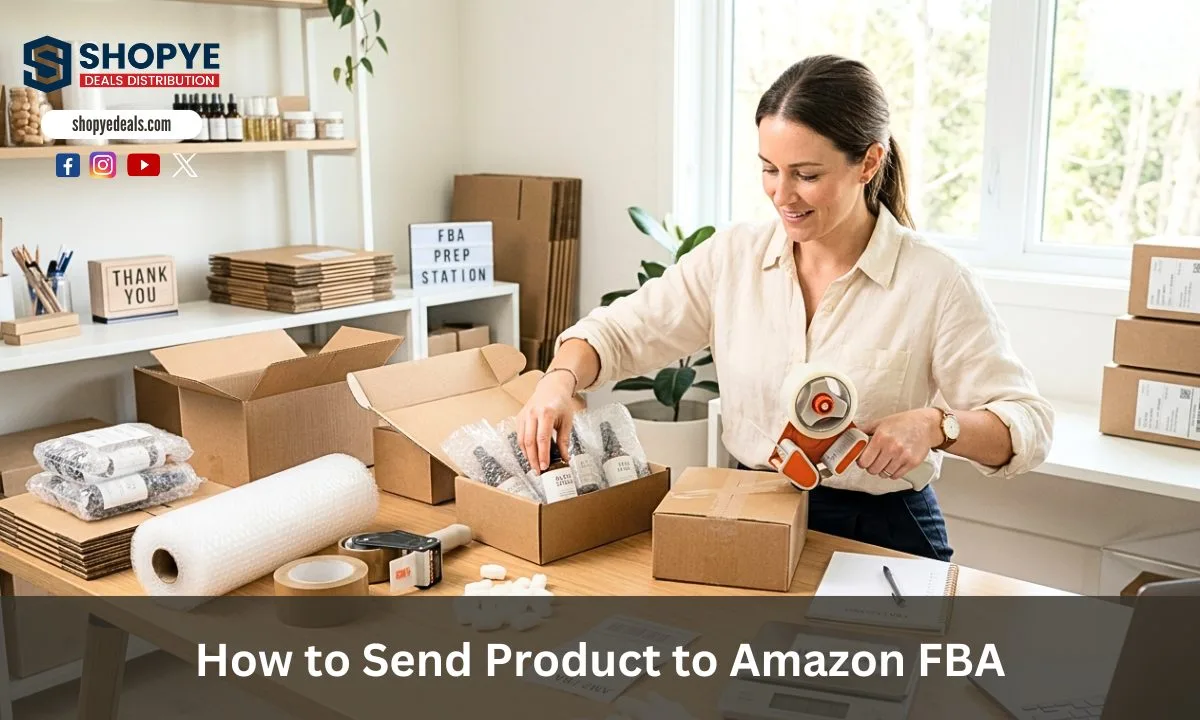
Quick buyer overview
This long-form guide is now organized for faster scanning. Jump to the section you need, search other Shopye articles, or continue reading the full wholesale breakdown.
- Compare MOQ, pricing, and supplier reliability before ordering.
- Use the section index to jump straight to price, supplier, or FAQ details.
- Search more wholesale guides without leaving the article page.
If you are trying to build an online business in the USA, Amazon FBA can be a strong option. But many new sellers get stuck at the first step. The main point is learning how to send products to Amazon FBA the right way. Most beginners either succeed here or make costly mistakes.
Many new sellers lose money. This happens because they ship products without knowing Amazon FBA rules. They also miss labeling and packaging requirements. Many inbound shipment delays happen because of labeling and packaging mistakes. These problems are more common than shipping delays or product demand issues. This shows that correct preparation is very important in FBA.
In this guide, you will learn how to send products to Amazon FBA step by step. This will help you avoid mistakes. It will also help you build a smooth selling system in the USA market.
Amazon FBA Shipping in the USA
When you start an online business, you need a system for storage, packing, and delivery. Amazon FBA is one such system. It helps you sell in the USA market without running your own warehouse. You send your products to Amazon, and they handle storage and shipping to customers.
Amazon FBA means Fulfillment by Amazon. In this model, you send your stock to Amazon fulfillment centers after getting products from Amazon FBA suppliers. They handle the packing and delivery of orders.
If you want to grow in the USA market, you need to understand that correct shipping is the basis of your business. In 2026, Amazon made the rules stricter. This is why learning how to send products to Amazon FBA in the right way is not optional anymore. It affects your profit, account health, and customer satisfaction.
Why the Correct Shipping Process is Important in 2026
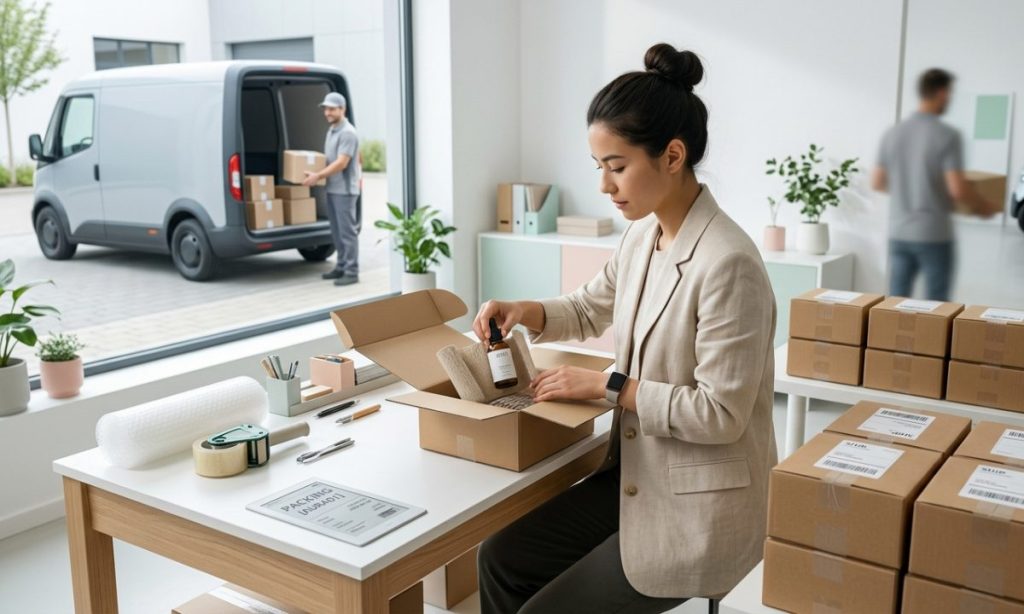
In 2026, Amazon is focusing more on accuracy and automation. This means small mistakes can create big problems. If your products are not labeled, Amazon may reject your shipment. If your box details are wrong, you may also pay extra fees.
Another important point is that Amazon no longer helps with prep services in the USA. This means you are responsible for labeling, packaging, and safety rules. If you fail in this area, your inventory may not reach the customer system.
Correct shipping is important because it helps you:
- Avoid extra charges
- Reduce delays in delivery
- Keep your seller account in good condition
- Improve customer experience
Common Mistakes New Sellers Make When Sending Products
Many beginners lose money because they do not follow the correct process. Some common mistakes include:
- Wrong or missing FNSKU labels
- Overweight boxes above 50 lbs
- Incorrect box content details
- Not following polybag safety rules
- Using the wrong shipping method
These mistakes look small, but in the Amazon system, they are serious. This is why a proper Amazon FBA shipping guide is important for every seller who wants to sell on Amazon USA.
How to Send Products to Amazon FBA (Step-by-Step Shipping Guide 2026)
Inbound shipment means sending your products from your location to Amazon fulfillment centers. It is the first physical step in your FBA journey.
When you send inventory to Amazon, your products go through a receiving process. Amazon checks labels, scans items, and stores them in its system. After that, your product becomes available for customers.
Seller Central plays a key role in this process. It is the main platform where you create shipping plans. You can also track shipments there. It also helps you manage your inventory. Without Seller Central, you cannot send inventory to Amazon.
Here are the steps to send a product to Amazon FBA:
Step 1 – Create Your Shipping Plan in Send to Amazon
The first step is to create your shipping plan inside Seller Central using the Send to Amazon tool.
You start by:
- Logging into Seller Central
- Going to “Send to Amazon”
- Selecting your products from inventory
After that, you enter the correct product details. It can be quantity, condition, or packaging type. This step is important because wrong data can cause receiving errors later.
Then you choose your shipment type. You decide how many units you are sending and where Amazon should send them.
Step 2 – Prepare and Label Your Products
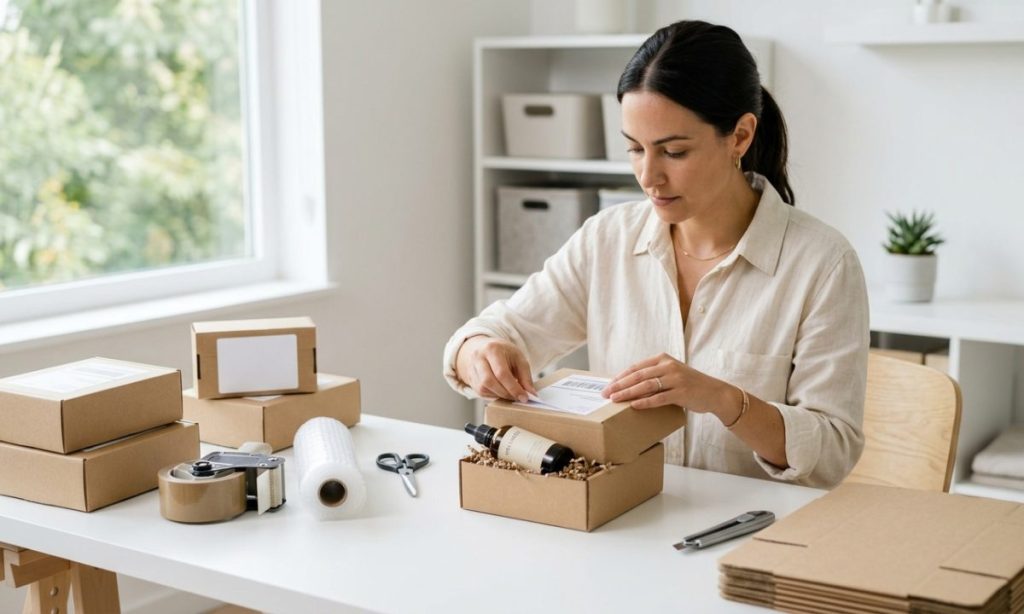
Product preparation is one of the most important parts of FBA in 2026. Every item must have an FNSKU label. This label helps Amazon identify your product inside their system.
FNSKU is now more important. Stickerless inventory is not accepted in most cases anymore. This means you must label every unit before sending.
You also need to follow prep rules:
- Use polybags for safety if required
- Make sure items are clean and protected
- Remove old barcodes if needed
If you do not follow these rules, your shipment can be rejected.
Step 3 – Choose the Right Shipping Method (SPD vs LTL)
Amazon gives you two main shipping methods.
Small Parcel Delivery (SPD) is used when you ship small boxes. Each box is handled separately. It is good for beginners and small sellers.
LTL or FTL is used for large shipments. This means your products are shipped on pallets using a truck. It is used for bulk inventory.
You should choose SPD if you are starting small. You should choose LTL if your business is growing and you are shipping large quantities.
Step 4 – Pack Your Cartons According to Amazon Rules
Amazon has strict rules for carton packing.
Key rules include:
- Maximum 50 lbs per box
- Heavy boxes need warning labels
- Same SKU boxes should be grouped (case-packed)
- Mixed SKUs allowed in individual packing
You must also enter the correct box content details in Seller Central. This helps Amazon scan and receive your shipment faster.
Step 5 – Avoid Amazon Inbound Fees and Penalties
The inbound placement fee is a charge Amazon adds when your inventory is sent to different centers. You can lower this fee by sending larger and well-planned shipments.
An inbound defect fee happens when there are mistakes in your shipment. These mistakes can include wrong labels or missing information.
To avoid these costs:
- Follow all packing rules
- Use correct labeling
- Send planned shipment quantities
Step 6 – Print Shipping Labels and Box Labels
After preparing your shipment, you must print labels from Seller Central.
You will get:
- Box labels
- Product labels
Box labels should be placed on the flat side of cartons. Make sure they are visible and not covered by tape.
Step 7 – Select an Amazon-Partnered Carrier for Shipping
Amazon partnered with carriers like UPS to offer lower rates and better tracking.
Benefits include:
- Discounted shipping cost
- Easy tracking inside Seller Central
- Faster delivery updates
Step 8 – Track Your Shipment to the Amazon Fulfillment Center
After shipping, you can track your inventory in Seller Central.
When your shipment status shows “stowed,” it means Amazon has received your products. It also means your products are now stored in their warehouse.
If your shipment is delayed:
- Check carrier tracking
- Contact support if needed
- Verify shipment details
Important 2026 Amazon FBA Rules You Must Follow
Amazon has strict rules in 2026:
No safety net policy means Amazon will not fix your mistakes
- The 5-box rule helps reduce placement fees
- Labeling must be 100 percent correct
If you ignore these rules, your account may face penalties or shipment rejection.
Conclusion
Sending products to Amazon FBA is a step-by-step process. It needs careful planning and correct work.
If you follow the right rules, you can avoid delays and extra fees. You can also avoid shipment rejections. Proper labeling, packaging, and shipment creation in Seller Central are very important. In 2026, Amazon’s rules are stricter. Small mistakes can cause big problems for your business.
When you do the process correctly, your products reach customers faster. Your business also runs more smoothly. This gives you a strong base to grow your Amazon FBA business in the USA market.
FAQs
Do I need FNSKU labels for every product?
Yes, in 2026, every unit must have an FNSKU label so Amazon can track and store your product.
What is the weight limit for FBA boxes?
Most boxes must be under 50 lbs. If heavier, you must add a heavy package warning label.
What is the difference between SPD and LTL shipping?
SPD is for small parcel boxes, while LTL is used for large pallet shipments sent through trucks.
More wholesale article previews
Use these related guides to compare brands, categories, and supplier options before making your next wholesale order.
 Outdoor Cap Wholesale: A Complete Guide to Buying Wholesale Outdoor Caps The demand for outdoor cap wholesale products continues to make caps an attractive category for retailers, sports stores,… Read guide →
 Where to Buy Anker Wholesale: Sourcing Guide for Electronics and Mobile Resellers Every device a customer owns is a charging problem waiting to happen, and Anker built its name on… Read guide →
 Where to Buy Owala Wholesale: Sourcing Guide for Sporting Goods and Gift Resellers The reusable water bottle went from commodity to cultural object in under a decade, and Owala rode that… Read guide →
 Where to Buy SadoTech Wholesale: Sourcing Guide for Home Improvement Resellers The wireless doorbell is the rare home product that sells itself in one sentence: no wiring, installs in… Read guide →
 Where to Buy Sennheiser Wholesale: Sourcing Guide for Music and AV Resellers Pro audio is a category where the name on the microphone decides the sale before the customer hears… Read guide →
 Where to Buy CLIF Bar Wholesale: Sourcing Guide for Grocery and Outdoor Resellers Energy bars are the rare grocery category that sells in the checkout lane, the gym bag, the trailhead,… Read guide →